
Docs / Handle every call · Admins
Call flows
Greet callers, offer a menu, route by business hours, screen unwanted numbers, hold them in a queue, hand them to an AI agent, or take a message. No consultants and no waiting for a provider.
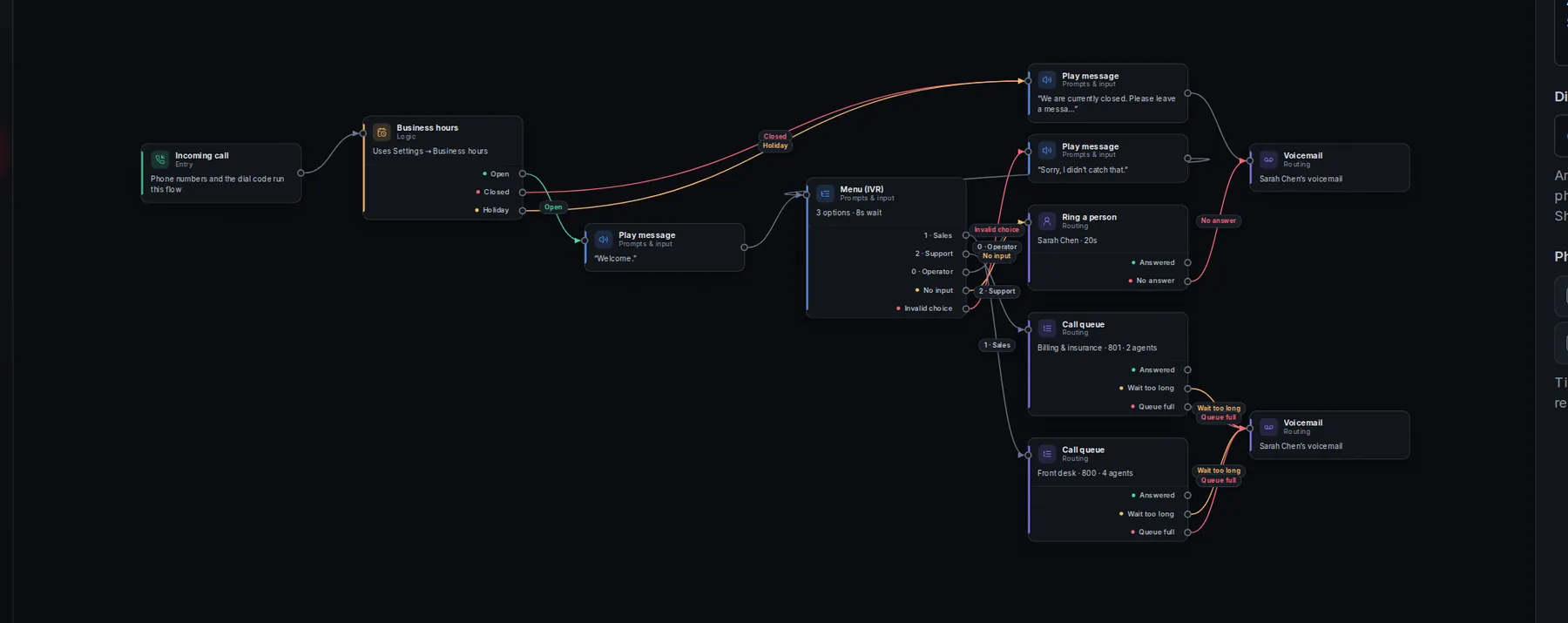
1See a call travel the flow
☎Incoming callMain line
◷Business hoursOpen now
⌨MenuPress 1, 2 or 3
✦AI agentMaya answers
☑QueueBilling
A call flow is a map. A call enters at Incoming call and follows the lines from step to step. Each step does one thing, then sends the caller down one of its exits: answered or not, pressed 1 or 2, open or closed.
2Build your first flow
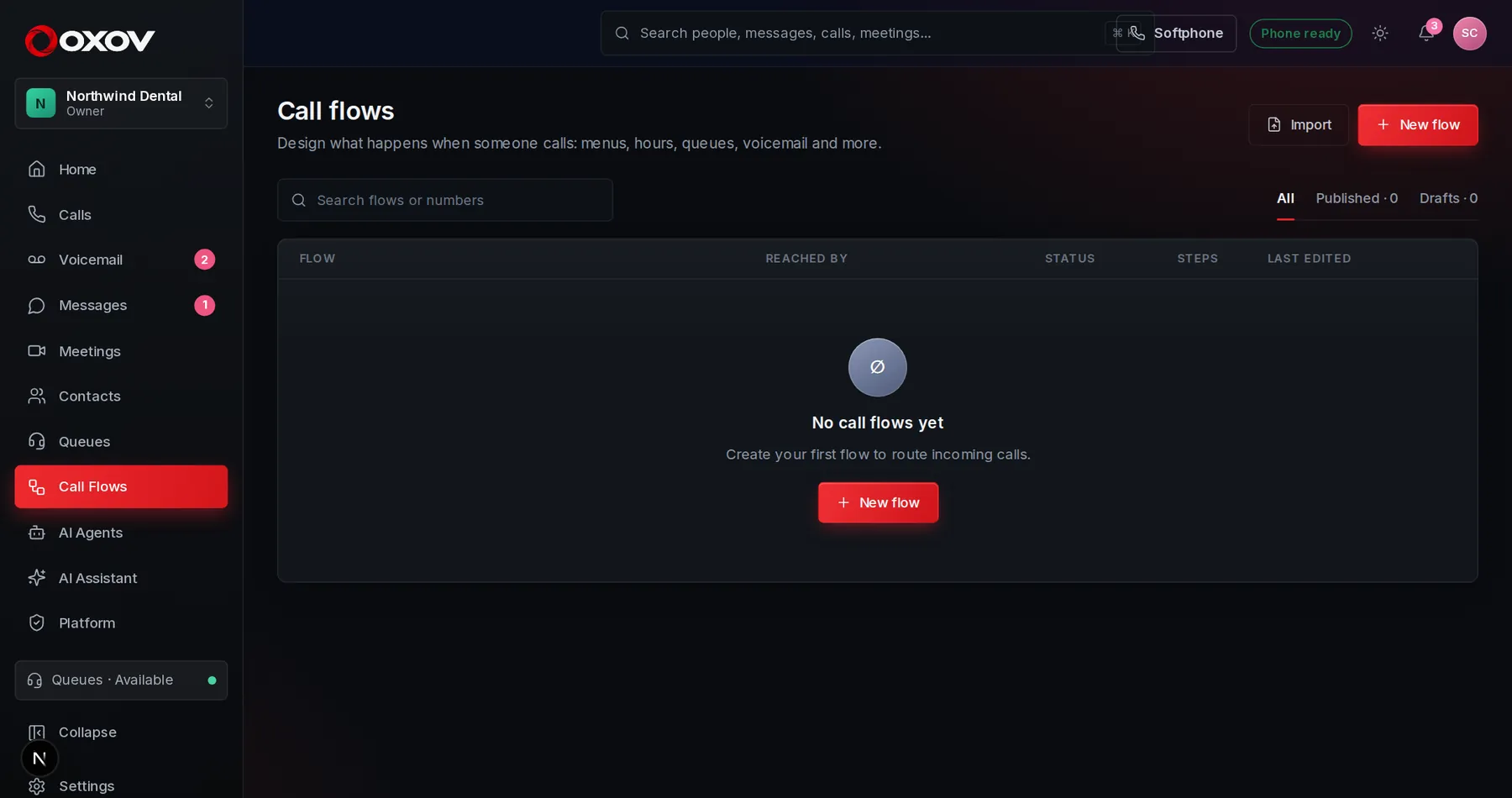
- Start from a templateOpen Call Flows and press New flow. Pick a starting point like Auto attendant, or begin blank.
- Edit the stepsClick a step to change it in the panel on the right. Point menus and queues at your real extensions and teams.
- Test itPress Test to walk a pretend call through the flow, choosing menu keys and whether people answer, before any real caller does.
- PublishPress Publish. Give the flow a dial code or assign it to a phone number, and it starts answering real calls.
3The steps you can use
| Step | What it does |
|---|---|
| Play message | Speaks text in a natural voice you choose, or plays your own recording. |
| Menu (IVR) | Lets callers press a key to choose where to go. |
| Collect digits | Asks for a number, like an account ID, and remembers it. |
| Business hours | Routes differently when you are open, closed or on a holiday. |
| Condition, Percentage split, Set variable | Branch on who is calling, share calls across paths, remember a value. |
| Caller screening | Block unwanted numbers and fast-track VIPs. |
| Ring a person, Ring group, Forward to number | Reach people on all their devices, a team together or in order, or an outside number. |
| Call queue | Hold callers with music until an agent is free. |
| AI agent | Hand the call to a voice agent that talks with the caller. See AI agents. |
| Web request | Call your CRM or any API and use the answer. |
| Voicemail, End call, Go to another flow | Take a message, hang up politely, or reuse a flow you already built. |
4Safe to change
- Drafts and publishing: your edits are saved as a draft. Callers only hear a flow when you publish it.
- Versions: every publish is kept. Restore an earlier version with one click.
- Checks: the designer warns you about steps with no exit, empty menus and missing destinations before you publish.
- Import and export: save a flow as a file, or bring one in.
Natural voices: typed messages are spoken in the voice chosen under Admin → Phone system → Sound & voice, recorded once and kept, so callers hear a smooth, human voice every time.
5Connect it to your numbers
Under Admin → Phone system → Numbers & routing, choose what each business number does: ring an extension, go to a queue, run a call flow, or answer with an AI agent. Choose a different destination for after hours.